ICT Practical Examination
Good Luck!
Wednesday, 4 March 2026
INSTRUCTIONS
- Ensure your website is responsive and user-friendly.
Time Allotment
120 Minutes
Case Study: Student Savings System
Context
Our school wants to encourage everyone to start saving! You are building a web app designed just for your class to track savings journeys. You can easily monitor every deposit and withdrawal, helping you see exactly how much your class savings are growing. The system must be able to:
- record every time a student makes a Deposit or a Withdrawal to the database.
- display a list of student savings records (Name, Type, Amount, Date) in an organized table.
- modify existing entries if there are errors in the student's name or the transaction amount.
- deletes specific savings records from the database when necessary.
- automatically calculates the student's current balance.
Task
Complete the following features below:
-
Set up the database based on the table below in XAMPP.
Database Name: db_saving_yourname Table Name: student_saving Attribute Name Data type Notes id int PRIMARY KEY, AUTO_INCREMENT student_name VARCHAR(100) NOT NULL type VARCHAR(15) NOT NULL amount INT NOT NULL date DATE NOT NULL - Establish a connection in your connection.php file.
- Analyze the structure of the index.php file to identify the form and table that will be modified in the task.
- Using the provided form input, use the INSERT INTO query to save data to your database.
- Display the saving records from the database into an HTML table using a while loop.
- Determine the "type" styling in the HTML table using an if...else structure based on the following criteria.
Criteria Styling Class Deposit bg-green-50 text-green-500 Withdraw bg-blue-50 text-blue-500 - Update the data to modify existing saving data (Update the amount, type or student name).
- Add an "Edit" button for each row.
- When clicked, it should open a page with a form containing the existing data
- Use the UPDATE query to save the changes back to the database.
- Add a delete button for each record to delete the existing record based on its id. Use DELETE FROM query to delete data.
Challenge Plus Point
Calculate and display the Current Balance below the table.
- Use the SUM() function in SQL Aggregate to calculate the total money deposited and total money withdrawn.
- Calculate and display the current balance based on the formula below.
- Use PHP number_format() (example: Rp 50.000)
SELECT SUM(column_name) AS alias_name FROM table_name WHERE condition;
current_balance = deposit - withdraw
Output References
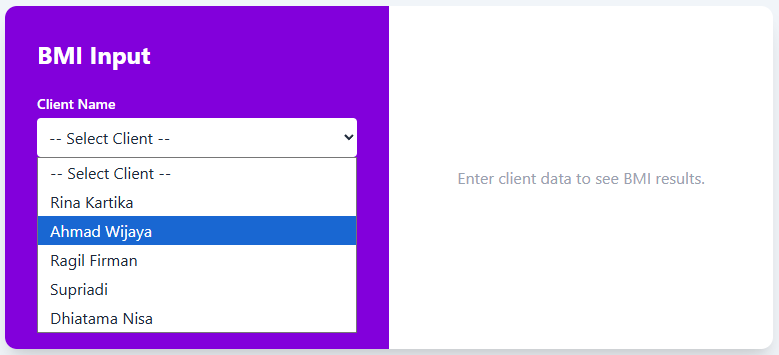
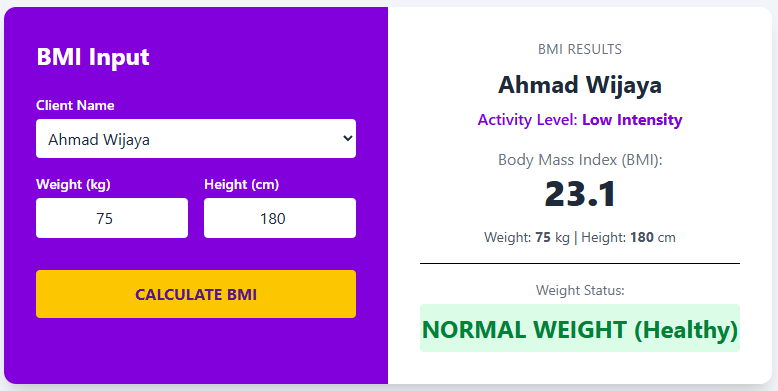
×
![]()